18
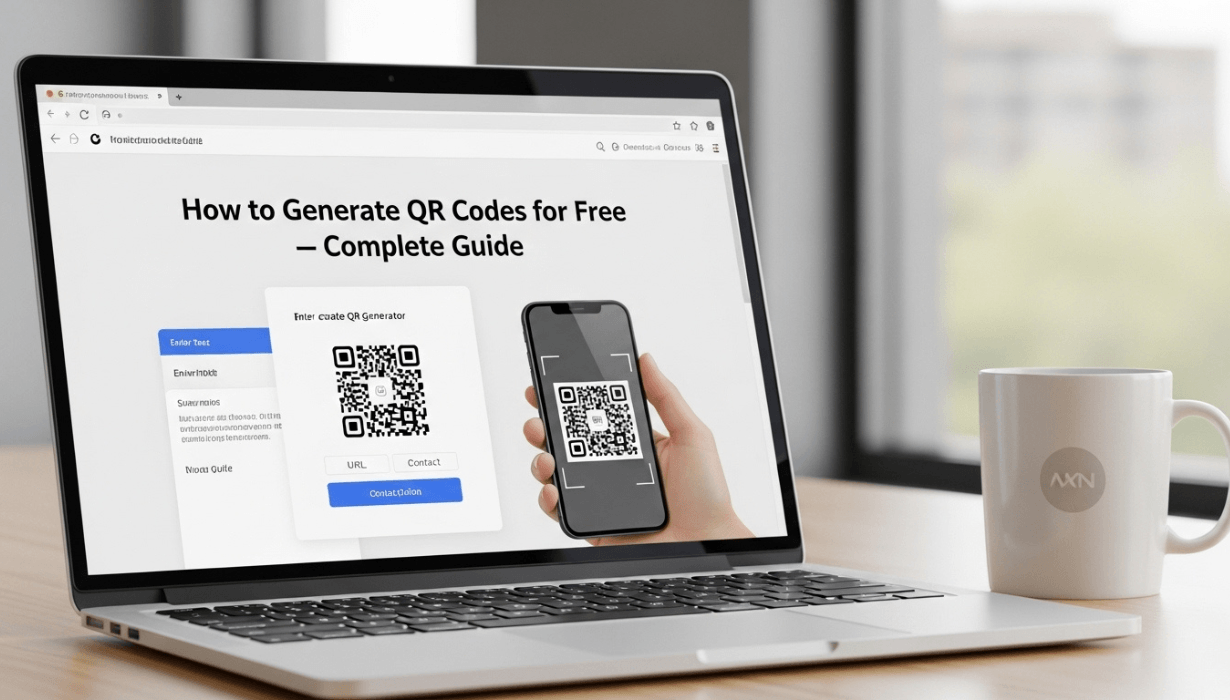
How to Generate QR Codes for Free — Complete Guide
Learn how to generate QR codes for free using MultiToolHub's QR code generator. Create unlimited QR codes online instantly — no signup required.
Why QR Codes Are Everywhere in 2026
QR codes have become an essential part of our digital lives. From restaurant menus and product packaging to business cards and event tickets, QR codes are everywhere. If you are looking for a QR code generator free tool that works instantly without any signup, you are in the right place.
In this complete guide, we will show you how to use a QR code generator free online tool to create unlimited QR codes in seconds. Whether you need a QR code for your website URL, Wi-Fi password, contact information, or social media profile, MultiToolHub has you covered.
What Is a QR Code?
A QR code (Quick Response code) is a two-dimensional barcode that stores information such as URLs, text, phone numbers, and more. When scanned with a smartphone camera or a QR code reader app, the encoded data is instantly displayed. QR codes were invented in 1994 by a Japanese company called Denso Wave, and since then they have revolutionized how we share and access information.
Unlike traditional barcodes that store data horizontally, QR codes store data both horizontally and vertically, allowing them to hold significantly more information. This makes them ideal for a wide range of applications — from mobile payments to digital marketing campaigns.
Why Use a Free QR Code Generator?
There are many reasons to use a QR code generator free tool instead of paid alternatives:
- Zero Cost — Generate unlimited QR codes without spending a penny
- No Signup Required — Start creating QR codes instantly without creating an account
- Browser-Based — No need to download or install any software
- Fast and Reliable — Create QR codes in seconds with MultiToolHub's free online tools
- High Quality — Get crisp, scannable QR codes every time
MultiToolHub is a multi tool website that offers over 100 online utility tools, and the QR code generator is one of the most popular tools on the platform.
How to Generate QR Codes for Free Using MultiToolHub
Follow these simple steps to create your own QR code:
Step 1: Visit MultiToolHub
Go to multitoolhub.site and navigate to the QR Code Generator tool under the Utilities section. As one of the best free web tools 2026, it is designed for simplicity and speed.
Step 2: Enter Your Data
Type or paste the content you want to encode into the QR code. This can be:
- A website URL (e.g., https://multitoolhub.site)
- Plain text or a message
- A Wi-Fi network name and password
- A phone number or email address
- A vCard for contact information
Step 3: Customize Your QR Code (Optional)
Some QR code generator free tools let you customize the size and format of your QR code. Adjust the settings to match your needs.
Step 4: Generate and Download
Click the "Generate" button and your QR code will appear instantly. Download it as a PNG or SVG file and use it wherever you need — in print materials, websites, presentations, or social media.
Top Use Cases for QR Codes
Here are the most popular ways people use free online tools like MultiToolHub's QR code generator:
1. Business Cards
Add a QR code to your business card that links to your portfolio, LinkedIn profile, or website. When someone scans it, they instantly access your information without typing a single URL.
2. Restaurant Menus
Since 2020, digital menus accessed via QR codes have become the standard. Restaurant owners use a QR code generator free tool to create codes that link to their online menu — saving printing costs and allowing easy updates.
3. Marketing Campaigns
Marketers embed QR codes in flyers, posters, brochures, and social media posts. The code can link to a landing page, discount coupon, or promotional video. This is one of the smartest uses of free online tools for business growth.
4. Event Tickets and Check-ins
Event organizers generate QR codes for each ticket. Attendees simply show the QR code on their phone for quick check-in — no paper tickets needed.
5. Wi-Fi Sharing
Create a QR code with your Wi-Fi credentials. Guests can scan and connect without asking for the password. This is a brilliant use case that many people overlook.
6. Product Packaging
Brands add QR codes to product labels that link to instruction manuals, warranty registration, or customer support pages.
Tips for Creating Effective QR Codes
- Keep the URL short — Shorter URLs create simpler, more scannable QR codes
- Test before printing — Always scan your QR code with multiple devices to make sure it works
- Add a call-to-action — Place text like "Scan Me" near your QR code so people know what to do
- Use high contrast — Dark codes on light backgrounds scan best
- Don't resize too small — QR codes need to be at least 2cm x 2cm for reliable scanning
Why MultiToolHub Is the Best QR Code Generator Free Tool
MultiToolHub stands out among free online tools because:
- It is 100% free with no hidden charges
- No account creation or signup required
- The QR codes are generated instantly in your browser
- It is part of a multi tool website with 100+ other useful utilities
- It works on desktop, tablet, and mobile devices
- Your data is not stored on any server — complete privacy
As an all in one web tools platform, MultiToolHub also offers a QR Code Reader that lets you decode any QR code from an image file. Together, these tools make MultiToolHub the ultimate QR code solution.
QR Code Generator vs. QR Code Reader: What's the Difference?
A QR code generator creates QR codes from your data, while a QR code reader decodes existing QR codes to reveal the embedded information. MultiToolHub offers both tools for free, making it one of the most comprehensive online utility tools platforms available.
Frequently Asked Questions (FAQ)
Is MultiToolHub's QR code generator really free?
Yes, it is completely free. You can generate unlimited QR codes with no cost, no signup, and no limitations.
Can I use the QR codes for commercial purposes?
Absolutely. QR codes generated with our QR code generator free tool can be used for personal, commercial, and educational purposes without any restrictions.
What types of data can I encode in a QR code?
You can encode URLs, plain text, phone numbers, email addresses, Wi-Fi credentials, vCards, and more.
Do the QR codes expire?
No. QR codes generated by MultiToolHub are static codes that never expire. They will work as long as the encoded content (like a URL) remains active.
Can I customize the color or design of my QR code?
The basic QR code generator free tool creates standard black-and-white QR codes. For custom designs, you may need to use additional editing tools.
Conclusion
QR codes are one of the most versatile digital tools available today, and generating them should be quick, easy, and free. With MultiToolHub's QR code generator free tool, you can create unlimited QR codes in seconds — no signup, no downloads, no cost.
Whether you are a business owner, marketer, teacher, or student, free online tools like MultiToolHub make your life easier. Bookmark multitoolhub.site today and explore 100+ online utility tools that are just a click away.
Contact
Missing something?
Feel free to request missing tools or give some feedback using our contact form.
Contact Us